




Table of Contents
◉ Introduction ◉ What Adobe Audition Is (and Why It Matters in 2025) ◉ Core Use Cases You’ll Cover with Audition ◉ Step-by-Step Workflow ◉ Pros, Cons & Risk Management ◉ Practical Examples ◉ Mini Case Study ◉ One-Glance Guide (Table) ◉ Common Mistakes & Expert Tips ◉ FAQs ◉ Conclusion
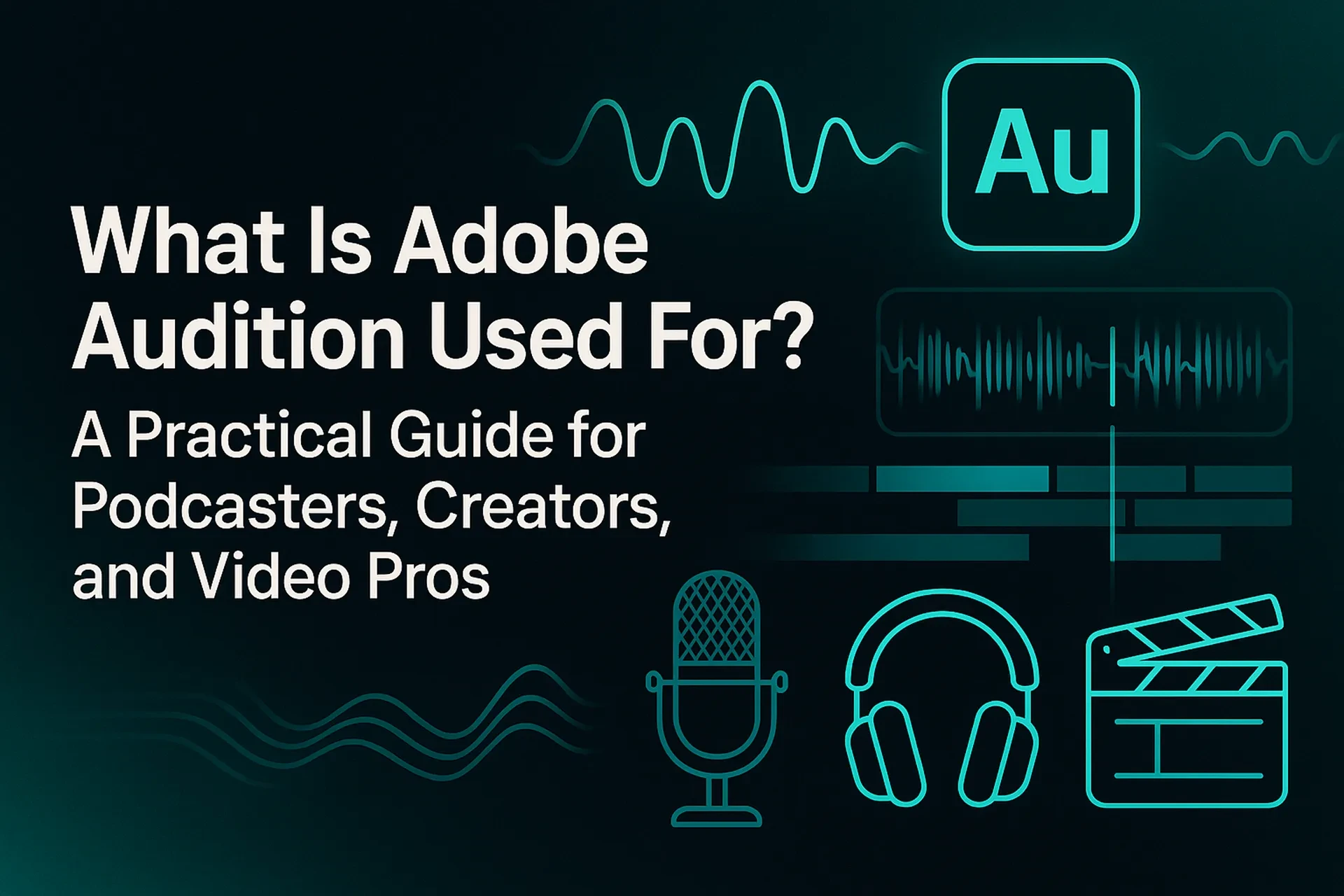
If you create podcasts, YouTube videos, courses, or branded content, clean and consistent audio isn’t a nice-to-have—it’s the difference between a passable project and one that feels premium. Adobe Audition is Adobe’s professional digital audio workstation (DAW) built for exactly that job: recording, editing, repairing, and mixing audio to broadcast-ready standards. In 2025, podcasts and spoken-word video continue to surge—48% of Americans 12+ say they both listened to and watched a podcast, with YouTube leading weekly podcast listening at 33%—so the stakes for sound quality are higher than ever (Edison Research, 2025).
Audition gives you two powerful views in one app: a Waveform editor for surgical, clip-level work and a Multitrack environment for full mixes, sound design, and delivery. You’ll also find pro-grade tools like the Spectral Frequency Display for visual noise removal, Match Loudness for EBU/ITU standards compliance, and Adobe Sensei-powered features like Remix and Auto-Ducking for faster edits. Pair Audition with Adobe Premiere Pro and Adobe Podcast (Enhance Speech) and you’ve got an end-to-end pipeline from recording to final master that scales from solo creators to studio teams (Adobe, 2025).
What Adobe Audition Is (and Why It Matters in 2025)
At its core, Adobe Audition is a professional audio workstation for creating, mixing, editing, and restoring sound. It includes multitrack mixing, waveform (destructive) editing, and a spectral display for precise repair—an all-in-one toolset for podcasts, voiceovers, video post, radio, and streaming. (Adobe, 2025).
The audience opportunity is real: podcast consumption keeps climbing and now includes video; Edison Research reports that 48% of Americans 12+ listened to and/or watched a podcast in the last month, and 70% have ever consumed a podcast (Edison Research, 2025). That growth means your audio has to meet expectations across platforms and devices. Audition’s broadcast loudness tools, spectral restoration, and cross-app workflows help you deliver consistent, professional results without outsourcing (Edison Research, 2025).
Core Use Cases You’ll Cover with Audition
Podcast and Voice Production
• Record mics in high quality, clean clicks/hum with Spectral Frequency Display, then sweeten with EQ, compression, and de-reverb. (Adobe, 2025).
• Remix background music to a precise length without audible edits, powered by Adobe Sensei. (Adobe, 2021–2023).
• Auto-Duck music under dialogue to keep voices intelligible while preserving vibe. (Adobe, 2017).
• Match Loudness across episodes to hit platform norms and reduce listener fatigue (EBU R128/ITU BS.1770). (Adobe, 2024).
Video Post-Production and Broadcast
• Send a Premiere Pro sequence to Audition for advanced mixing, restoration, and loudness compliance; round-trip back to your edit. (Adobe, 2023).
• Use Premiere’s Enhance Speech (AI) for quick dialog cleanup, then finish detail work in Audition (EQ, noise prints, spectral repairs) for the final master. (Adobe, 2025).
• Deliver broadcast-safe audio by matching regional loudness standards directly in Audition. (Adobe, 2024).
Audio Repair & Restoration
• Zero in on plosives, whistles, phones, or HVAC noise visually and remove them with Spectral Frequency Display and repair tools. (Adobe, 2025).
• Apply noise reduction, de-reverb, and click/pop repair for archival or field recordings before mixing. (Adobe, 2023).
Music & SFX Editing for Content
• Fit any music bed to your video or ad cut length with Remix—no music theory required. (Adobe, 2021–2023).
• Build polished mixes with multitrack buses, submixes, and automation; then export stems or final masters for delivery. (Adobe, 2023).
Step-by-Step: From Noisy Recording to Polished Mix in Audition
Goal: Clean up a voice recording, add music, meet loudness targets, and export.
• Set up your session. Create a Multitrack session. Import your dialogue WAV and your chosen music bed. Keep files on a fast SSD to minimize dropouts; Adobe recommends 16 GB RAM for HD and more for 4K workflows. (Adobe, 2025).
• Repair the dialogue. Open the clip in Waveform view and switch to Spectral Frequency Display. Lasso isolated noise (coughs, chair squeaks) and attenuate. Use DeNoise if there’s constant background hiss. (Adobe, 2025/2023).
• Sweeten the voice. Back in Multitrack, add gentle compression (3–4 dB gain reduction on peaks), a high-pass filter (70–90 Hz), and subtle de-reverb to improve intelligibility. (Adobe, 2023).
• Fit the music perfectly. Select the music clip and apply Remix to match the exact duration of your intro/outro or segment. (Adobe, 2023).
• Auto-duck under speech. Tag dialogue as Dialogue and the bed as Music in Essential Sound; enable Ducking so Audition automatically writes keyframes, ducking when you speak. (Adobe, 2017).
• Loudness compliance. Open Match Loudness and target EBU R128 (-23 LUFS) or ITU BS.1770 (U.S. broadcast norms vary by deliverable). Run the batch to normalize levels consistently across files. (Adobe, 2024).
• Round-trip to video. If you’re mixing for video, send the final mix or stems back to Premiere Pro and keep cutting. (Adobe, 2023).
Tip: If the raw voice is extremely noisy, consider first passing it through Enhance Speech from Adobe Podcast or Premiere Pro’s built-in Enhance Speech and then doing surgical repairs in Audition. (Adobe, 2025).
Pros, Cons & Risk Management
Pros
• All-in-one audio toolkit. Waveform, Multitrack, spectral, and compliance tools in one place. (Adobe, 2025).
• Fast edits with AI assistance. Remix and Auto-Ducking speed up common tasks without “AI artifacts.” (Adobe, 2021–2017).
• Seamless video workflow. Tight integration with Premiere Pro for pro finishing. (Adobe, 2023).
• Standards-based delivery. Built-in loudness matching for EBU/ITU targets. (Adobe, 2024).
Cons
• Learning curve. Spectral editing and multitrack mixing require practice.
• Hardware demands. Heavy sessions benefit from 16–32 GB RAM and fast SSDs. (Adobe, 2025).
• No native speech-to-text in Audition. Use Premiere Pro’s transcription or Adobe Podcast for text-based edits, then finish in Audition. (Adobe, 2025).
Risk management
• Stay within headroom. Watch true peak and LUFS; use Match Loudness to hit delivery specs. (Adobe, 2024).
• Version control. Save iterative session versions; export mixdowns for safety when sending to collaborators.
• Round-trip carefully. Lock picture before deep mixing to avoid re-conforms; use stems when timelines change. (Adobe, 2023).
• Keep systems current. Confirm OS/GPU/RAM against 2025 system requirements before large projects. (Adobe, 2025).
Practical Examples (What You’ll Actually Do in Audition)
• Podcast episode polish: Remove HVAC hum and mouth clicks in Spectral view, auto-duck intro music, normalize to -16 LUFS (typical podcast target), then export a 48 kHz WAV master plus AAC for distribution. (Adobe, 2024).
• YouTube tutorial: Use Premiere Pro to apply Enhance Speech to screen-capture voice, send to Audition for EQ/limiting and SFX sweeteners, deliver a loudness-matched stereo master. (Adobe, 2025/2023).
• Brand video or ad: Remix a 60-second music bed down to 15 seconds for cut-downs—no audible splice points—then batch-match loudness across multiple deliverables. (Adobe, 2023/2024).
Mini Case Study: From Remote Interview to Publish-Ready Podcast in a Day
Scenario: You recorded a 30-minute guest interview over the web. The guest’s room is echoey; your track has fan noise. You need a next-day release.
Workflow:
• Triage in Adobe Podcast / Premiere Pro. Run Enhance Speech to quickly suppress room noise and reverb on both tracks. (Adobe, 2025).
• Surgical repair in Audition. In Spectral view, remove coughs and notifications. Use DeReverb sparingly to avoid artifacts. (Adobe, 2025/2023).
• Editorial mix. Apply modest compression and EQ, add a remixed intro/outro bed, and auto-duck music under voice. (Adobe, 2017/2023).
• Delivery. Use Match Loudness to normalize the show and cut promo clips at consistent levels. Export WAV masters and MP3/AAC versions for the host and distribution. (Adobe, 2024).
Outcome: Clean, consistent dialog, tight music edits, and loudness-compliant masters—produced in hours, not days.
One-Glance Guide: Pick the Right Audition Tool
| Goal | Use in Audition | Why it helps |
|---|---|---|
| Remove specific noises (beeps, squeaks) | Spectral Frequency Display | Visual, frequency-based repair for precise edits (Adobe, 2025). |
| Fit music to exact time | Remix (Essential Sound) | Sensei-powered rearranging creates seamless edits (Adobe, 2021–2023). |
| Keep music under dialogue | Auto-Ducking (Essential Sound) | Auto keyframes reduce manual mixing time (Adobe, 2017). |
| Deliver broadcast-safe levels | Match Loudness | Targets EBU R128 / ITU BS.1770 standards (Adobe, 2024). |
| Finish a video mix | Round-trip with Premiere Pro | Send sequences to Audition and back for finishing (Adobe, 2023). |
Common Mistakes & Expert Tips
Mistakes to avoid
• Over-processing voices. Heavy noise reduction or de-reverb can make voices sound “watery.” Use spectral selections for local problems, then apply gentle broadband noise reduction. (Adobe, 2023).
• Ignoring loudness until export. Fix levels early with the Essential Sound panel and confirm with Match Loudness before final export. (Adobe, 2024).
• Mixing with consumer headphones only. Cross-check on monitors or reference headphones to avoid boomy or harsh exports.
• Underpowered hardware. Large multitrack sessions need adequate RAM/SSD bandwidth; upgrade before mission-critical shows. (Adobe, 2025).
Expert tips
• Capture clean, fix less. Use pop filters and quieter rooms so Audition’s repair tools work minimally and transparently.
• Build reusable presets. Save EQ/comp chains and Essential Sound presets to standardize voices across episodes.
• Leverage AI where it fits. Use Enhance Speech (Premiere/Adobe Podcast) for quick wins, then refine in Audition for natural results. (Adobe, 2025).
• Template your sessions. Create Multitrack templates with track naming, buses, and routing to speed up every production. (Adobe, 2023).
FAQ: Quick Answers to People-Also-Ask
Action-Oriented Conclusion
If you want professional audio without outsourcing, Adobe Audition is the most direct path from raw takes to broadcast-ready masters. Use Spectral Frequency Display to fix problems you can see, Remix and Auto-Ducking to move faster, and Match Loudness to hit platform standards every time. Tie it all together with Premiere Pro and Adobe Podcast for a workflow that scales as your ambitions grow. Start by templatizing one show, building a reusable FX chain, and committing to loudness targets—your listeners (and viewers) will notice the difference immediately (Adobe, 2023–2025).